
Stop Re-Explaining Yourself to AI by Building a Digital Brain
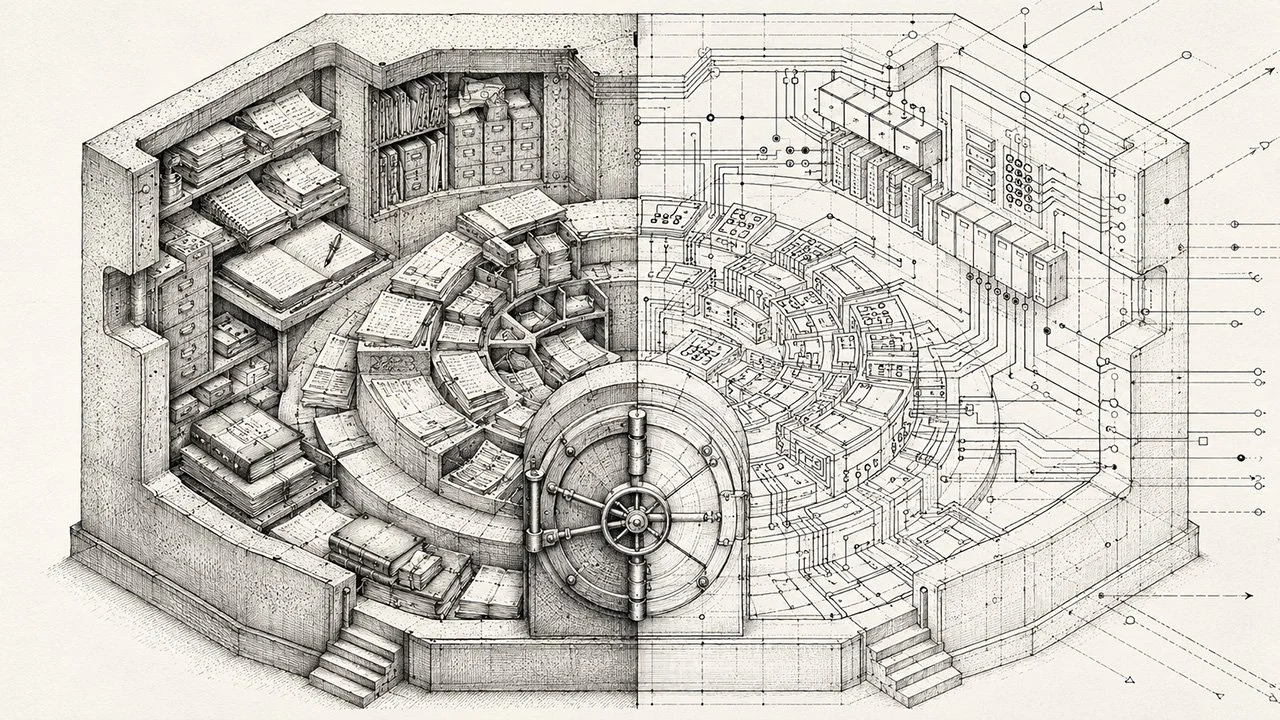
When I was writing my Master's thesis, I was paranoid about losing my work. Not a little paranoid. I had a copy on my laptop, a copy on three separate flash drives, and those drives lived in three different locations: my home, my office, and my parents' house. That level of backup was probably overkill, but I had spent two years on that research and I was not about to lose it to a hard drive failure (plus I'm in my forties, cloud storage was rare back then).
That instinct never left me. Fifteen+ years in digital marketing will reinforce it. You keep backups. You keep redundancy. You protect your work.
That same thinking is what eventually led me to build a pipeline that connects my personal notes to Claude. Not because I was worried about losing notes, but because I was watching a different kind of waste happen every week: I was spending hours re-explaining myself to AI that had no memory of me at all.
The Problem With Starting Cold
Even with memory turned on, it felt like every new Claude session started from zero. Claude would miss on my frameworks, active projects, vendor timelines, or the way I think through a problem. So one of two things happens: I spend the first several minutes copying and pasting context into the chat, or I get output that sounds polished but misses the point entirely because it has no grounding in my real situation.
For a while, I managed this with Claude Projects and system prompts. That helped. But I was still maintaining separate files specifically for AI context, and keeping those files updated was its own job (I called this my "digital 1:1" which happened on Friday mornings).
I also tried Claude Cowork, Anthropic's desktop tool for connecting AI to local files. It partially solved the problem, but I ran into two issues quickly. First, it burned through context tokens fast. Second, and more importantly, I wasn't comfortable giving Cowork read/write access to my primary vault. I'd seen enough AI horror stories about tools overwriting or corrupting databases that I wasn't willing to take that risk with years of accumulated notes and work product.
So I was back to duplicating files manually. The vault I was feeding AI wasn't syncing automatically. It was a solution that only worked if I remembered to maintain it.
That's not a solution. That's a chore.
The Real Fix: A Digital Brain That Connects to AI
The actual fix has two parts, and the setup matters less than the principle behind it.
Part one: build a digital brain. This means one place where your real thinking lives. Meeting notes, project documentation, frameworks you've developed, strategic context, client work. Not a folder of random downloads. An actual system you use consistently, where notes are structured and searchable and reflect how you actually work.
For me, that's Obsidian. I chose it because it's local-first, which means my notes are stored as plain Markdown files on my device. That matters when I'm traveling for work and writing notes on my iPad offline. Those notes sync to Obsidian on my phone and computer automatically once I'm back on a network.
Obsidian isn't the right tool for everyone. Notion is a strong option if you prefer a cloud-based, browser-accessible setup with a more visual interface. Logseq is worth looking at if you think in outlines and want bidirectional links between your notes. Roam Research has a dedicated following among people who do heavy research and writing. Even a well-organized folder of plain text files will work if you're disciplined about structure. The tool is secondary. The habit of capturing real work in one consistent place is what matters.
Part two: mirror it somewhere AI can reach it, with appropriate controls. This is where my backup instincts resurfaced. I didn't want to give any AI tool direct read/write access to my vault. What I wanted was a read-only mirror that Claude could pull from without touching the source.
The answer was a private GitHub repository. Obsidian Git, a community plugin, automatically pushes my vault to a private repo once a day as long as Obsidian is open. Claude Desktop connects to that repo via native GitHub integration. Claude can read any file in the mirror. It cannot write to it, modify it, or touch the original vault. The separation is clean.
Why the Backup Layer Matters
I know the daily sync sounds like extra infrastructure for a relatively small benefit. It's not. The backup argument is real on its own terms.
Most of my work is at the strategy level. Over time, my notes accumulate context that I couldn't easily reconstruct: vendor evaluations, framework development, project retrospectives, decisions and the reasoning behind them. That's years of institutional knowledge about my own thinking. Losing it to a plugin gone wrong or a sync error would be significant.
The GitHub mirror means that even if something catastrophic happened to my local vault, I have a daily snapshot. That's the same logic as the three flash drives. You don't know you needed the backup until the moment you need it desperately.
The Exact Setup (Sanitized, But Real)
This is not a hypothetical workflow. Here is what I built, step by step.
Step 1: Create a private GitHub repository. Go to GitHub and create a new repo. Set it to private and leave it empty. No README, no .gitignore. Just a clean, empty bucket.
Step 2: Initialize Git in your vault. Open PowerShell on Windows or Terminal on Mac, navigate to your vault folder, and run two commands:
git init
git remote add origin https://github.com/YOUR_USERNAME/YOUR_REPO_NAME.git
Step 3: Install Obsidian Git. In Obsidian, go to Settings → Community Plugins → Browse and search for "Git" by Vinzent03. It has over 2.5 million installs. Install it, enable it, then run "Git: Initialize a new repo" from the command palette to wire the plugin into the repo you just created.
Then go to Settings → Git and make two changes: set the auto commit-and-sync interval to 1440 (24 hours in minutes), and set the auto pull interval to 0. This is one-way sync only. Your vault pushes to GitHub. Nothing comes back.
Run "Git: Commit-and-sync" manually to test the first push. GitHub stopped accepting passwords for git operations a few years ago, so you'll need a Personal Access Token with repo scope when it asks for credentials.
Step 4: Connect Claude Desktop to the repository. Open Claude Desktop, click the + button, select "Add from GitHub," and follow the OAuth flow. If your private repo doesn't appear in the dropdown, look for the "grant access here" link in that dialog and click it. Once authorized, your repo shows up. Select the folders or files you want available as context, and Claude has them.
One thing to watch: large folders will show a percentage next to them indicating context usage. My main work folder was at 422%, meaning that folder alone was four times the recommended context window. Be surgical about what you load per session. The goal isn't to dump your entire vault into Claude. It's to pull in the specific files that are relevant to what you're working on right now.
The daily sync runs automatically as long as Obsidian is open. Once it's configured, you stop thinking about it.
What This Actually Changes
The practical outcome is straightforward but significant.
My Obsidian vault has hundreds of notes. When I open a Claude session to work on something specific, I pull in the files that are relevant to that session. A vendor evaluation. A sprint tracker. A project debrief. A draft framework I've been developing. Claude reads those files as context, and the conversation picks up with real grounding instead of generic scaffolding.
The result is that Claude functions as an actual thinking partner, not a text generator. I can ask it to analyze my notes, identify blind spots in my reasoning, pressure-test a strategy against what I've documented, or compare where a current situation differs from a previous one. That's the kind of AI interaction that's useful at the strategic level. That's what I was trying to get to all along.
The copy-paste is gone. The manual file maintenance is gone. The context problem isn't eliminated, but it's managed: I choose what to load per session rather than rebuilding from scratch every time.
AI is only as useful as the context you give it. If that context is generic, the output will be generic. If it reflects your actual work, AI becomes a real thinking partner.
This is the same principle behind the 10-80-10 model. The first 10% is human: frame the problem, load the right context, set the direction. If you skip that step, or if the context you're providing is thin, the 80% AI produces will reflect that. A digital brain that connects directly to AI makes that first 10% significantly better.
Where to Start
If you're regularly re-explaining yourself to AI, the fix is upstream. The prompting isn't the problem. The missing context is.
Pick a knowledge tool you'll actually use consistently. Set it up to capture your real work: meeting notes, project documentation, your own frameworks, strategic context. Commit to using it before you think about connecting it to AI.
Once you have a live system that reflects your thinking, the connection to AI becomes straightforward. The specific tools are less important than the sequence: knowledge system first, AI integration second.
That's the order that works.
